

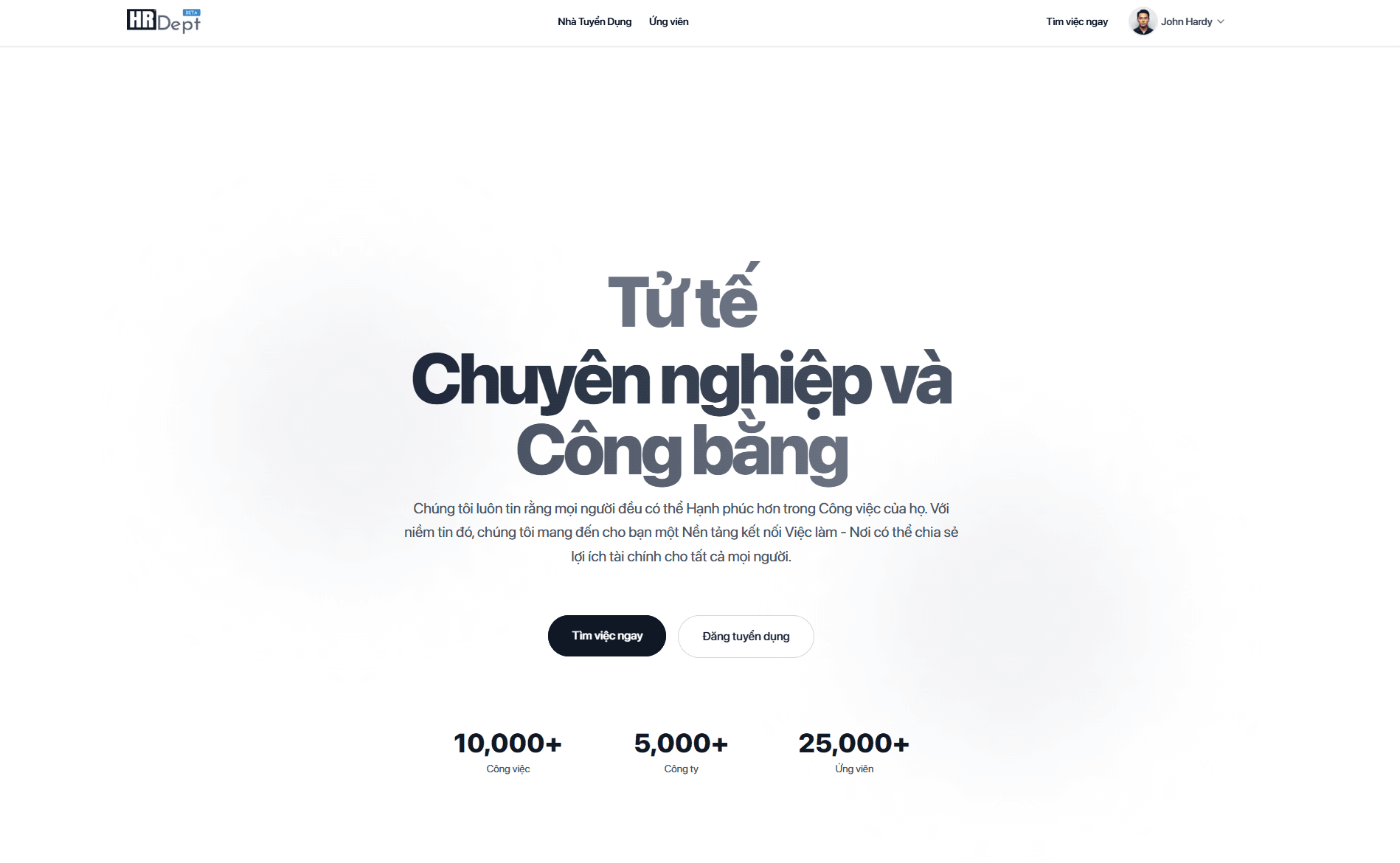
HRDept.vn is a job recruitment e-commerce platform integrated with artificial intelligence (AI) to assist recruiters in finding suitable candidates quickly and efficiently. Below are the detailed steps for recruiters to start using the platform, emphasizing the importance of updating company information and utilizing the integrated AI features for posting job listings.
Step 1: Register a Recruiter Account
Access the HRDept.vn website: Open a browser and visit the HRDept.vn homepage (https://hrdept.vn).
Select registration: Click the “Login” button (even if you don’t have an account) located at the top right corner of the homepage.
Enter basic information:
Input your company email. If the email has not been registered before, the system will display a registration interface to fill in details (contact phone number, company information, and set a password).
Verify the email by logging into the registered email to retrieve the OTP code, then return to the website to authenticate the OTP.
Complete registration: After email verification, log in to the system using the credentials you created.
Note:
Use an official company email to enhance credibility and support the company information verification process.
If a personal email is used, HRDept.vn will automatically classify your account as a “Headhunter Recruiter.”
Step 2: Update Company Information (Critical Step)
Updating company information is a foundational step for HRDept.vn’s AI to understand your business’s industry, scale, and culture. This enables the AI to provide optimized job listing suggestions and recommend the most suitable candidates.
Access the “Company Profile” section:
After logging in, go to the “Create/Update Company Profile” or “Your Company” section in the recruiter interface.
Enter detailed information:
Company name: Input the official name of the business.
Tax code: For headhunters or individual recruiters, enter your Citizen Identification Number (CCCD).
Company scale: Provide the number of employees (e.g., 1-50, 51-200, 200+).
Company description: Write a concise description of the mission, core values, and company culture (up to 500 words). Example: “We are a technology company specializing in AI solutions, with a team of 100+ employees, aiming for a creative and innovative work environment.”
Contact information: Include office address, company website, and HR department contact details.
Logo and company images: Upload a logo (for individual recruiters, upload a clear, professional headshot) to enhance professionalism and appeal for all job postings, reflecting credibility.
Save and verify:
Click “Save Changes” to update the information.
HRDept.vn may require verification of company information via a business license or company email to ensure authenticity. In such cases, HRDept will contact you via phone or email.
Importance of this step:
Foundation for AI optimization: Accurate company information enables HRDept.vn’s AI to analyze your industry, scale, and recruitment needs to suggest appropriate job listing content. For example, the AI will propose keywords and job descriptions tailored to the tech industry if selected.
Candidate recommendations: The AI uses company data to match candidate profiles, prioritizing those with skills and experience aligned with your company’s culture and industry, placing them at the top of the candidate pool in your unique “Candidate Database.”
Tip: Provide as much detail as possible, especially about company culture, to enable the AI to analyze and optimize the recruitment process.
Step 3: Create and Post Job Listings with Integrated AI Features
HRDept.vn’s AI feature helps recruiters create professional job listings, optimizing content to attract suitable candidates.
Access the “Post Job Listing” section:
In the recruiter interface, select “Create New Job Listing” or “Post Job Listing” from the main menu.
Enter basic position information:
Job position: Example, “Software Developer” or “Marketing Specialist.”
Recruitment campaign: Input the core goal or intent of the recruitment for this position. This is a critical basis for the AI to determine the correct recruitment objective/mission.
Industry: Select the industry of your business or the position being recruited for.
Number of hires: Enter the number of candidates needed for this position.
Work location: Choose the work location for the position (up to 3 provinces/cities; for more than 3, please post an additional listing for the 4th location onward).
Job requirements:
Job type: Select from the platform’s suggestions.
Level: Choose the appropriate level based on the platform’s suggestions.
Experience: Input the required years of experience or specific experience requirements (keep it concise).
Working hours: Enter the working hours for the position.
Use the AI feature to draft the job description:
Click the “Create with AI” button for the AI system to generate suitable job listing content.
The AI will use the information entered in the steps above, combined with the company information provided earlier, to suggest:
Recruitment objectives.
Job description.
Candidate requirements.
Required skills.
Job benefits.
Based on the company information from Step 2, the AI will automatically generate a detailed job description using language appropriate to the industry and company culture. Example: For a tech company, the AI might suggest: “Develop and maintain web applications using Python, working in a dynamic Agile environment.”
Customize and finalize the job listing:
Review the AI-generated content and edit if necessary to better suit specific requirements.
Add additional details such as benefits, educational requirements, or application deadlines.
Add email/recipient for application notifications:
Add the email address where you want to receive notifications about candidate applications or changes to the job listing.
Optionally select the feature to offer a signing/welcome bonus for candidates who pass probation and become official employees, and enter the bonus amount. Skip this step if you do not have such a policy.
Select “Create and Publish” and “Confirm” to post the job:
Choose “Save Draft” to edit later or “Create and Publish” to make the job listing public.
The AI will automatically create a dedicated email for receiving applications to manage candidates efficiently.
Review the entire job listing one final time and click “Confirm” to successfully post the job; or select “Return to Edit” if you want to make changes.
Note on AI features:
The AI not only creates job descriptions but also suggests keywords to increase the visibility of job listings across platforms.
Based on company information, the AI prioritizes recommending candidates with matching profiles (e.g., skills, experience, or geographic location) and ranks them at the top for easy HR review.
Step 4: Manage the “Candidate Database”
View candidate list:
Access the “Candidate Database” section to view profiles suggested by the AI from your job listings.
The AI automatically categorizes and ranks profiles based on their relevance to the job requirements and company information.
AI-based screening:
Use the “Screen Candidates for Specific Job Listings” feature to have the AI evaluate profiles based on criteria such as skills, experience, or specific keywords.
Example: If you’re seeking a Python programmer, the AI will prioritize candidates with “Python” in their profiles and relevant experience. Simply select the job listing you’re recruiting for, and the system will reorder candidate profiles to match your company’s listing.
Contact and schedule interviews (Candidate privacy-respecting process):
View candidate profiles: Recruiters can view profile content (skills, experience, education) but cannot see contact information (email, phone number) to ensure candidate privacy.
Request contact information:
If a candidate is suitable, click the “Request Contact Info” button on their profile.
The system will send a notification to the candidate, requesting their consent to share contact information.
Once the candidate agrees, their contact information will be accessible to the recruiter for 24 hours.
Schedule interviews:
Within 24 hours of receiving contact information, recruiters must call, email, or send a notification via the HRDept.vn platform to contact the candidate and schedule an interview directly on the platform (via the “Schedule Interview” section).
The platform provides an integrated calendar tool to select suitable time slots and send automated interview invitations.
Candidates will confirm their participation in the interview directly on the HRDept.vn platform, notifying the recruiter.
Contact information access time limit:
After 24 hours, the candidate’s contact information will automatically be locked to ensure candidates know they will be contacted within this timeframe.
If further contact is needed after 24 hours, recruiters must click “Request Contact Info” again and wait for the candidate’s re-approval.
Benefits of this process:
Demonstrates respect for candidate privacy by only providing contact information with consent.
Ensures candidates know when they will be contacted (within 24 hours), enhancing transparency and professionalism in the recruitment process.
Step 5: Monitor and Evaluate Recruitment Effectiveness
View performance reports:
Access the “Reports” section to view metrics on job listing views, number of applications, and the proportion of suitable candidates.
The AI provides analysis on the most effective posting times and channels.
Optimize recruitment campaigns:
Based on the reports, adjust the content or posting channels to improve effectiveness for future recruitment campaigns.
Important Notes
Regularly update company information: Any changes to the industry, scale, or company culture should be updated immediately to ensure the AI has accurate data. Each job listing update regarding industry will be added to the company’s industry profile to optimize future job postings.
Review AI suggestions: While the AI assists with drafting and screening, recruiters should review and adjust to ensure alignment with specific needs.
Free trial: HRDept.vn often offers a free trial to experience AI features. Register at https://hrdept.vn to get started.
Support: For any inquiries, contact via email at icare@hrdept.net.
Conclusion
Using HRDept.vn with integrated AI features helps recruiters save time, optimize processes, and find the most suitable candidates. Updating company information thoroughly is the foundation for effective AI performance, from creating compelling job listings to suggesting top candidates. The privacy-respecting contact process ensures transparency and professionalism, enhancing the experience for both recruiters and candidates. Start today to experience a smart and modern recruitment solution!